SoundWarp
Bend your Sound
Turn your voice — or any sound — into a ringtone in 30 seconds, or just send it to a friend.
Download on the App Store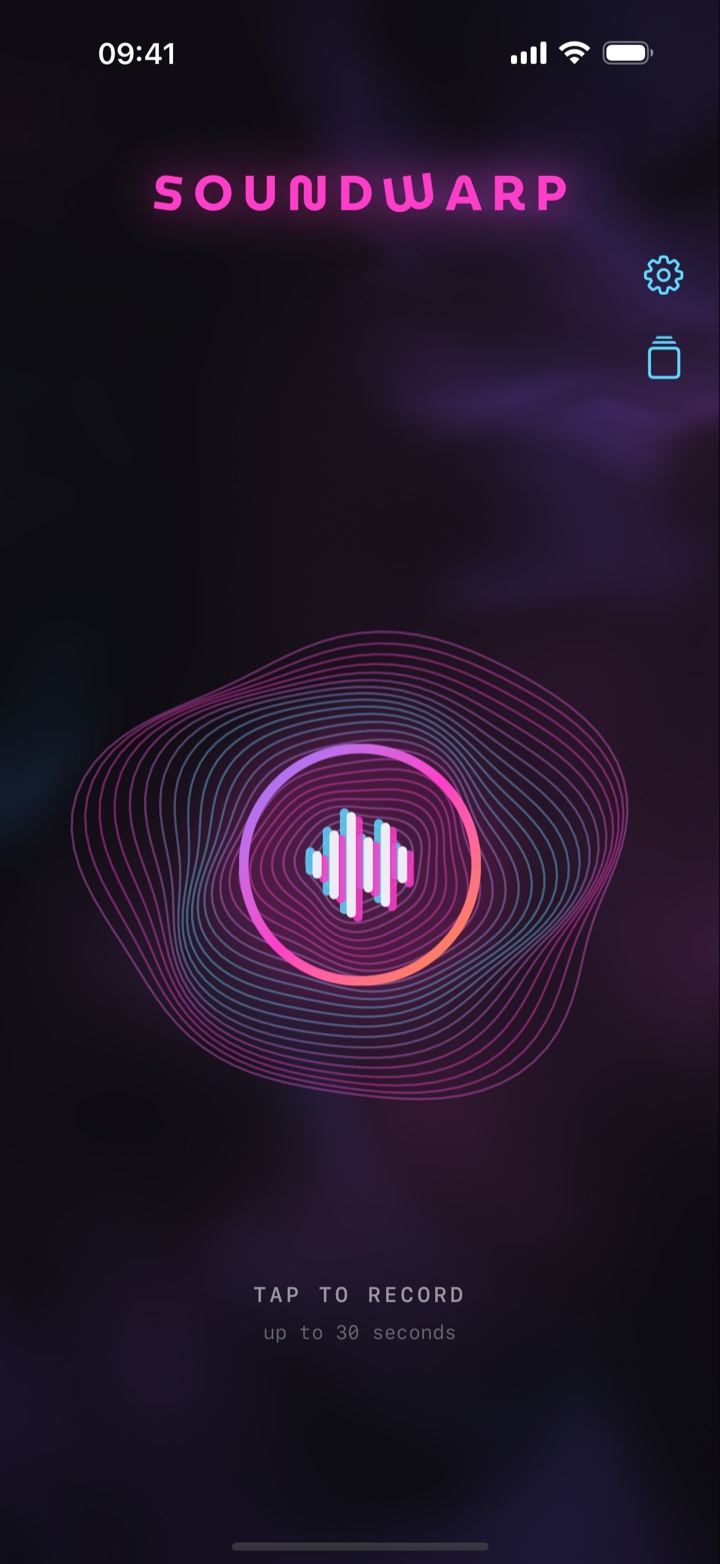
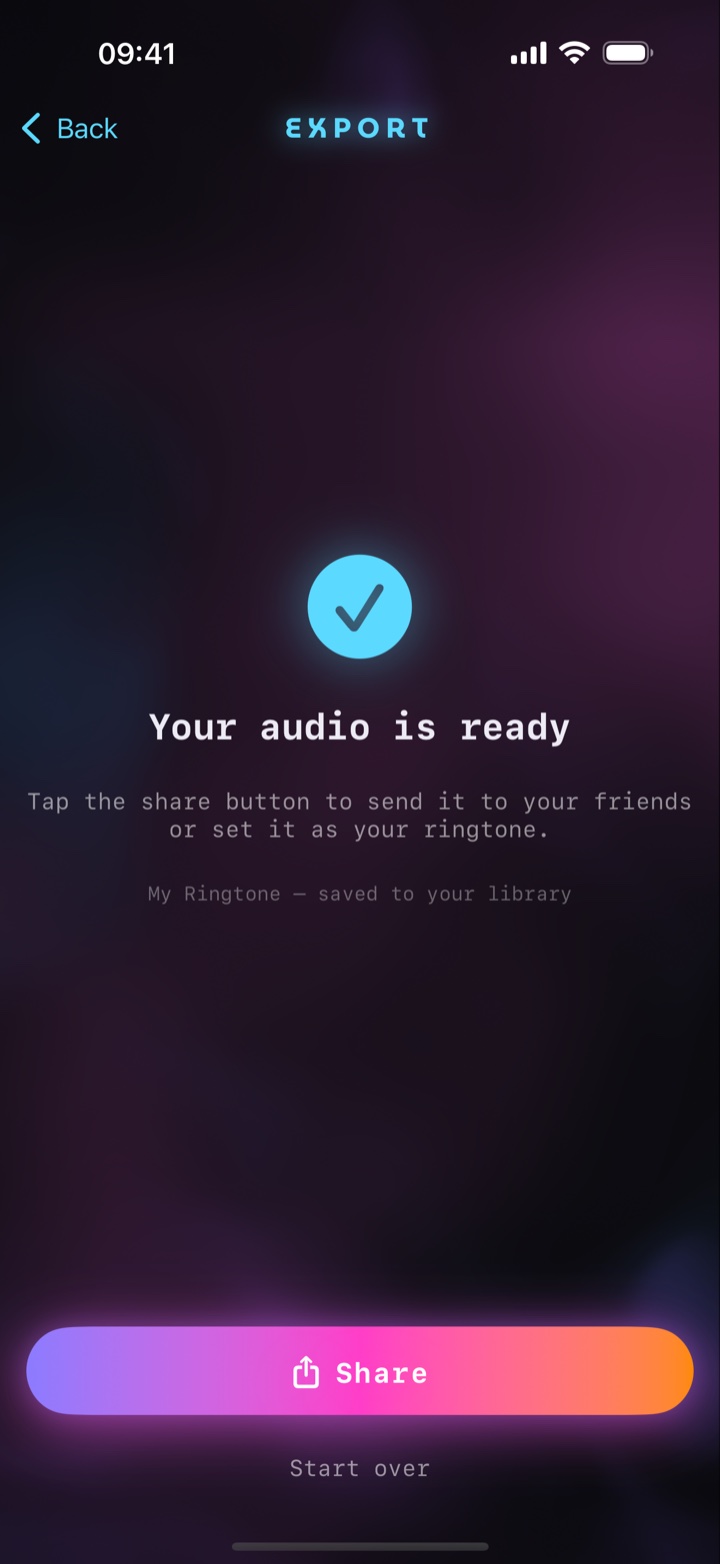
SoundWarp is a ringtone maker for iPhone. Record any sound — your voice, a friend's laugh, your dog — bend it with the Warp effects, trim it to the perfect moment and set it as your ringtone. On iOS 26 or later you set it straight from the share sheet with “Use as Ringtone,” in a single tap. No ads, no accounts, no data collection — pay once and it's yours.
Record & Warp
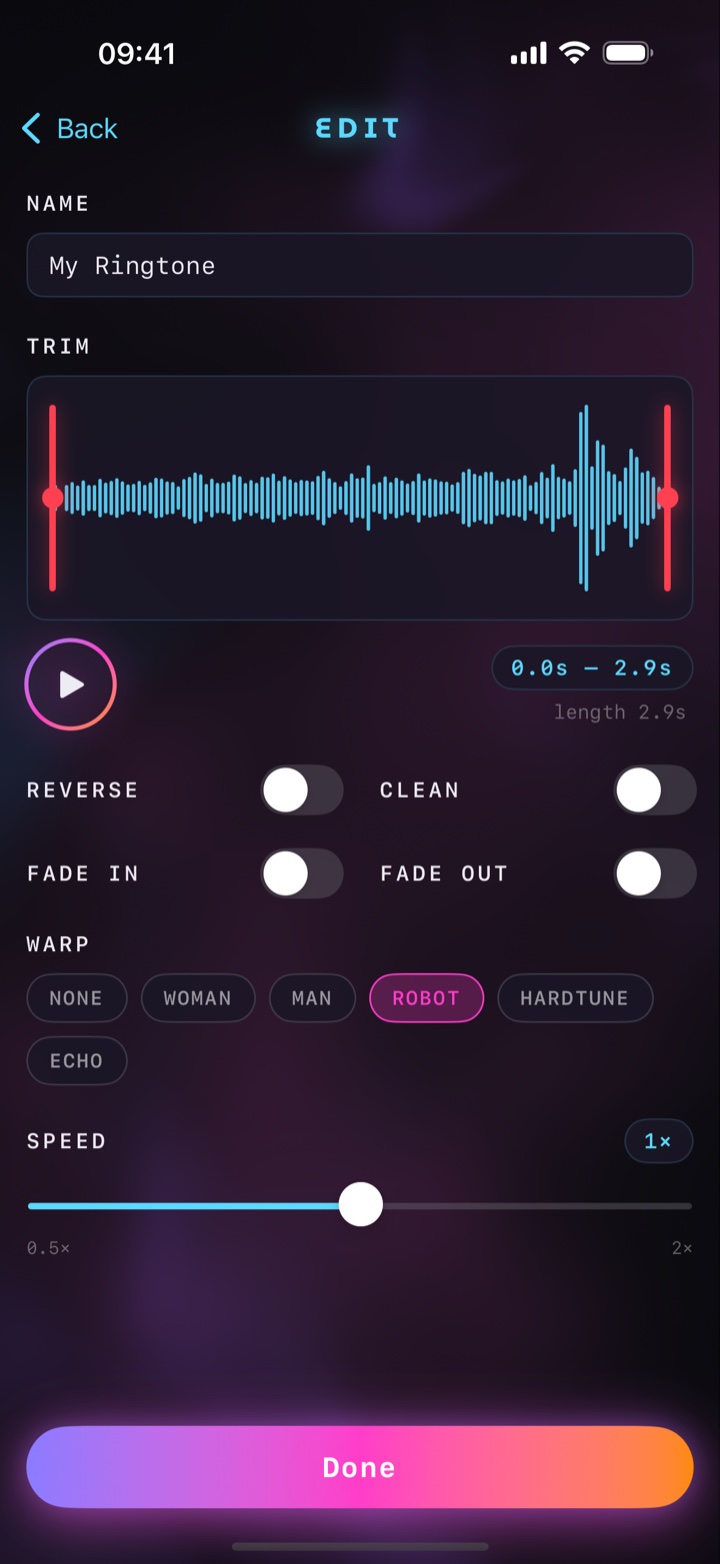
Capture up to 30 seconds and reshape it with WOMAN, MAN, ROBOT, HARDTUNE and ECHO voice effects.
Precise editing
Trim with draggable handles, add fade in / fade out, and stretch playback speed from 0.5× to 2× — pitch kept natural.
One-tap ringtone
On iOS 26 or later, set your creation right from the share sheet: Share → “Use as Ringtone.” Installed and set in one tap.
Quick record
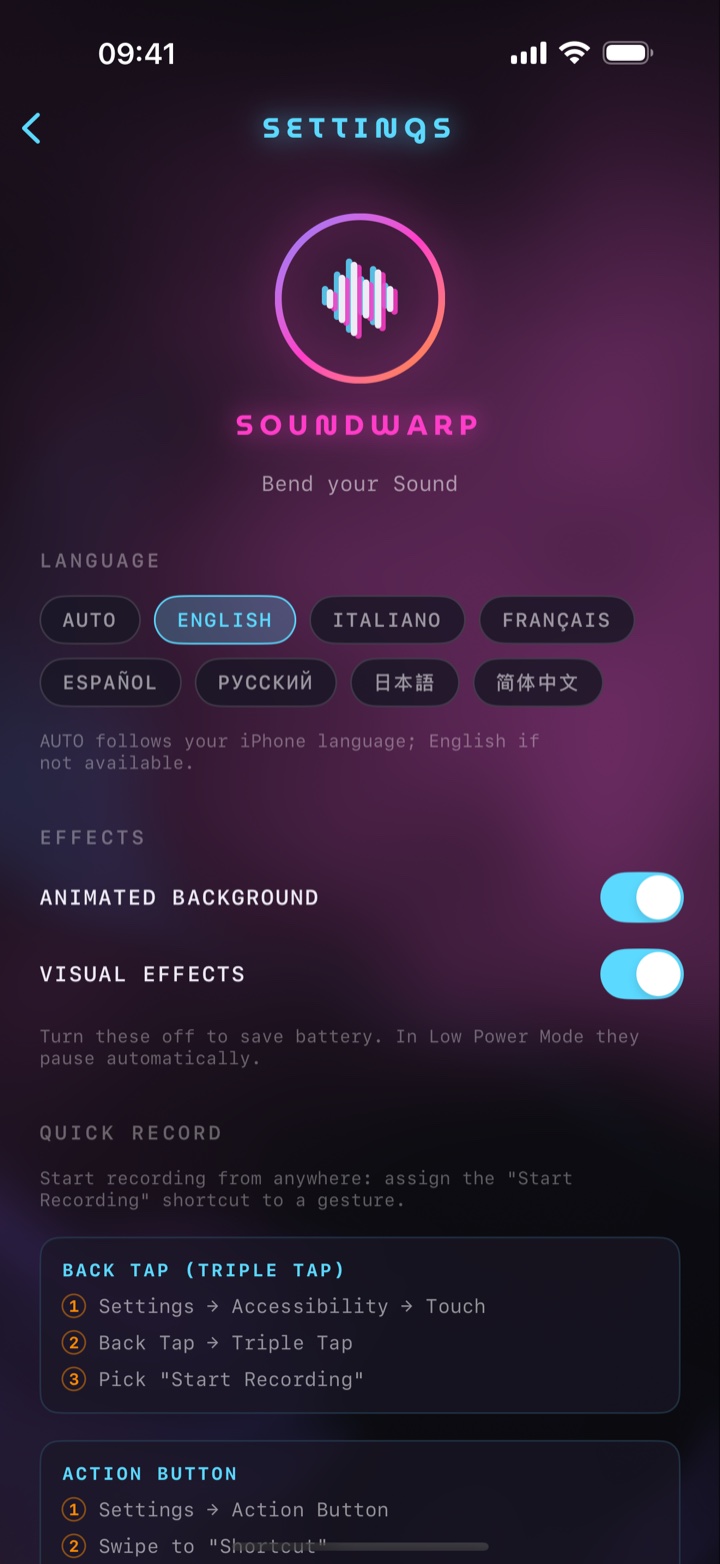
Start recording instantly with a triple Back Tap, the Action Button or Siri.
Your library
Every ringtone you make stays saved, ready to replay, rename, share or reuse.
Private by design
No ads, no trackers, no account. Your audio never leaves your iPhone.